
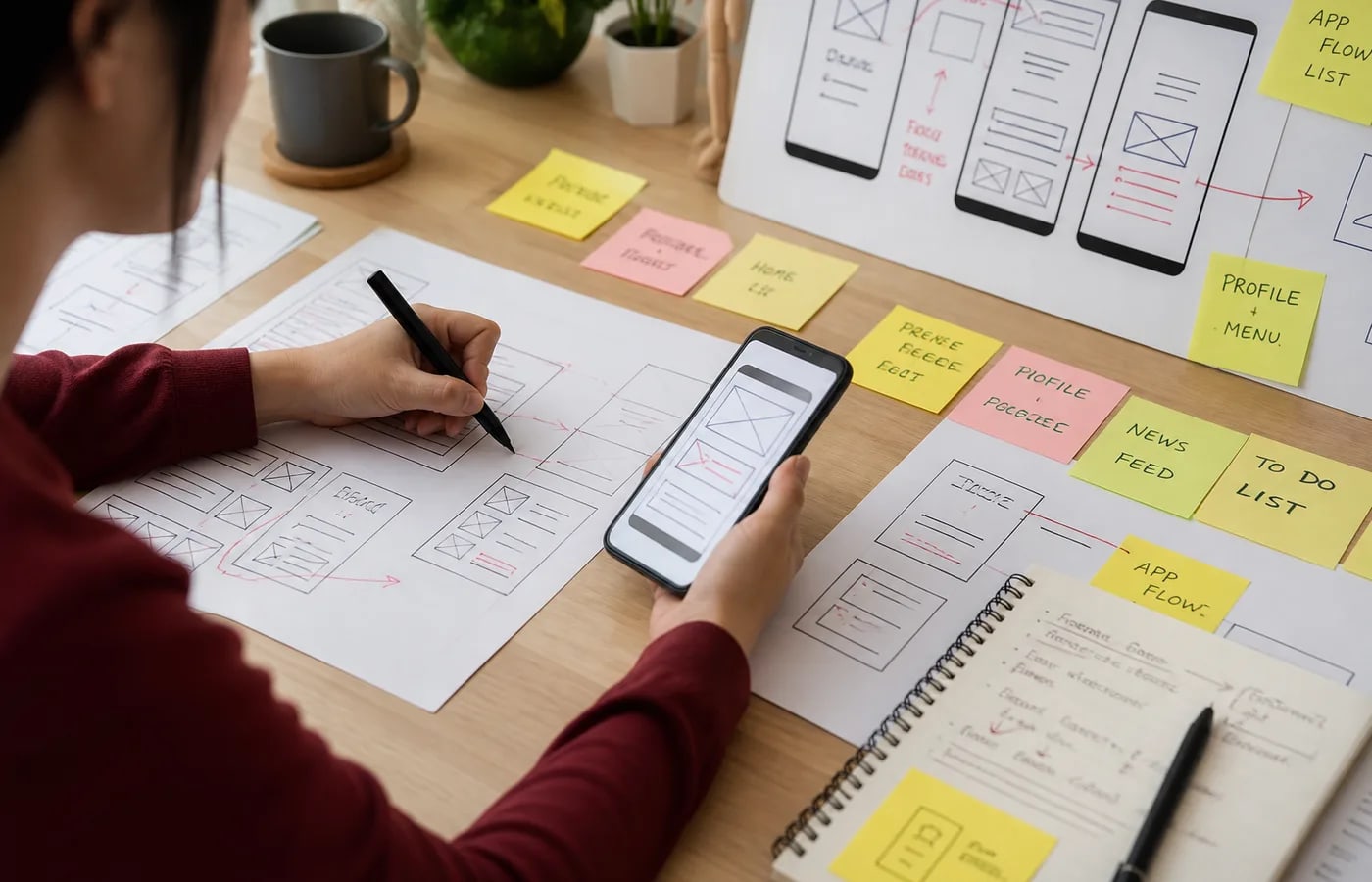
User Flows & Wireframes
Task-based flows and low-to-mid fidelity wireframes that settle structure before visual detail.
Web & Creative
Good design is not decoration. It is how people find what they need, complete tasks, and trust the product enough to continue. Unclear flows, inconsistent screens, and weak handoff to developers create friction that marketing and features cannot fully fix.
Patroda provides UI and UX design for websites, dashboards, and apps — user flows, wireframes, interfaces, design systems, accessibility-minded layouts, and developer-ready handoff so what is designed can actually be built.
Product Design
ActiveWhere Friction Starts
Many products look finished but are hard to use: forms ask for information in the wrong order, dashboards bury actions, mobile layouts break key tasks, and visual styles change from page to page. Users do not complain in detail — they abandon.
Teams also lose time when design lacks a system. Developers reinterpret screens, spacing drifts, and every new feature invents another pattern. Accessibility and responsive behavior get treated as optional polish instead of baseline requirements.
Patroda designs from the user journey outward: clarify the task, map the flow, wireframe the structure, then refine the interface and components so the experience stays consistent and buildable.
Practical design work for digital products and websites — focused on clarity and usability, not trend chasing.
Task-based flows and low-to-mid fidelity wireframes that settle structure before visual detail.
Clear layouts, hierarchy, and interaction patterns for websites, landing experiences, and product screens.
Reusable components, spacing rules, and UI patterns so products stay consistent as they grow.
Practical UX for admin panels, client portals, and apps where tasks and data density matter.
Readable contrast, touch-friendly targets, and layouts that work across phone, tablet, and desktop contexts.
Clickable prototypes and structured handoff so engineering can implement without guessing intent.
We clarify who the product is for, which tasks matter most, and where current friction appears.
We map steps, decision points, empty states, and error paths so the experience is planned end to end.
We settle layout and content priority in wireframes so visual design does not hide structural problems.
We design screens that are readable, consistent, and aligned with your brand without sacrificing usability.
We define buttons, forms, cards, tables, and other patterns so future screens reuse known rules.
We prepare specs, states, and responsive notes so WordPress, product, or engineering teams can implement cleanly.
UI/UX work is most valuable when users struggle to complete tasks, conversion is blocked by confusion, or a redesign is planned without a clear flow. It is also useful before development so you are not paying to rebuild poorly structured screens later.
This service fits websites, dashboards, portals, and apps that need clearer journeys — not only a new look.
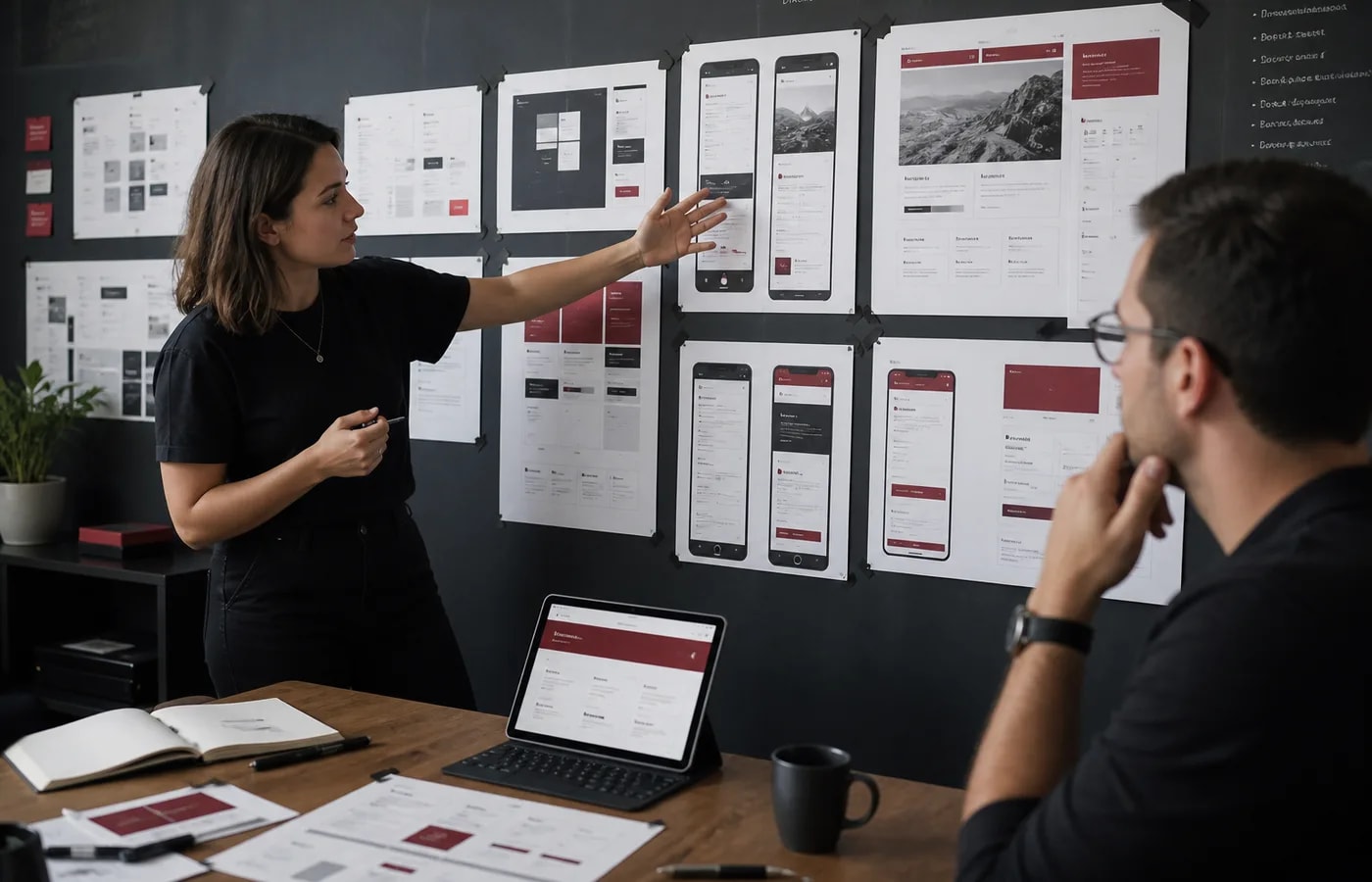
We review goals, audiences, current screens, and the jobs people need to complete.
We define journeys and wireframes that fix structure before investing in visual detail.
We refine layouts, components, and interactions for clarity across key breakpoints.
We use prototypes to walk through critical paths and catch friction before development.
We deliver design assets and notes ready for website, WordPress, or product implementation.
Patroda designs UI and UX for healthcare, real estate, education, consultants, certification bodies, local businesses, agencies, e-commerce companies, and service-based businesses.
Industry context changes trust needs, form fields, and dashboard priorities. We adapt flows to the work your users actually do.
Flows designed around real jobs reduce confusion at forms, dashboards, and checkout-like steps.
Shared components and rules keep the product coherent as features grow.
Responsive and touch-aware layouts for the devices people actually use.
Specs and states that reduce guesswork during implementation.
Readable hierarchy and interaction basics considered earlier in the process.
Website and landing experiences designed to make the next step obvious.
Turn UI designs into maintainable WordPress sites and templates.
Apply UX improvements during an SEO-safe site rebuild.
Conversion-focused pages with clearer hierarchy and form UX.
Align interface visuals with logo, identity, and brand guidelines.
Design chat entry points and flows that fit the rest of the product experience.
Connect better product UX with automated follow-ups and internal processes.
FAQ
Common questions about UI and UX design services. Answers are based on practical experience — not guaranteed outcomes.
UX focuses on how the experience works — flows, tasks, structure, and usability. UI focuses on how screens look and behave visually — layout, components, and interaction details. Strong products need both working together.
We design for websites, dashboards, portals, and app-style interfaces. Scope depends on your product complexity and whether you need flows, visual UI, a design system, or full handoff.
No. Clearer design can remove friction, but outcomes still depend on offer, traffic quality, content, performance, and follow-up. We design for usability and clarity — we do not promise specific conversion lifts.
Timelines depend on number of screens, research needs, stakeholder feedback cycles, and whether a design system is included. A focused website UX pass differs from a multi-module dashboard. We estimate after reviewing scope.
Yes. Prototypes help validate key flows before build, and handoff materials help developers implement states, spacing, and responsive behavior more accurately. Exact tools and depth depend on the project.
Yes — and that is often the better sequence. Settling flows and interfaces first usually reduces rework during development. We can also improve UX on an existing product when a full rebuild is not required.
Talk to Patroda about UI/UX design for your website, dashboard, or app. We will review your flows, identify friction, and suggest a practical design next step.
Discuss UI/UX DesignPatroda Design Team
Start with clearer user flows
Growth Consultation
Tell us what you need help with, and we will suggest the best way to use AI, automation, websites, and digital marketing for growth.
AI Growth Advisor
Online now · Free Strategy Review
Share your details and we will get back to you with the right solution.